- Segments by membership, credit or place of residence
- Custom client data, for example date of birth
- One-click client verification in the database
A client database made to measure
How do you keep track of your clients (potential, current or past)? Wouldn't it be great to have everything in one place, accessible even from your phone? That is exactly what our custom client database is about.
The cheapest way to keep track of clients is pen and paper, or an Excel sheet. That is enough if you have a handful of clients. As your business grows, you will soon find that keeping everything in a spreadsheet gets harder and harder, you lose the overview of your clients and, above all, you spend more and more time on administration (issue the invoice, send it to the client, check the payment, record the payment and so on).
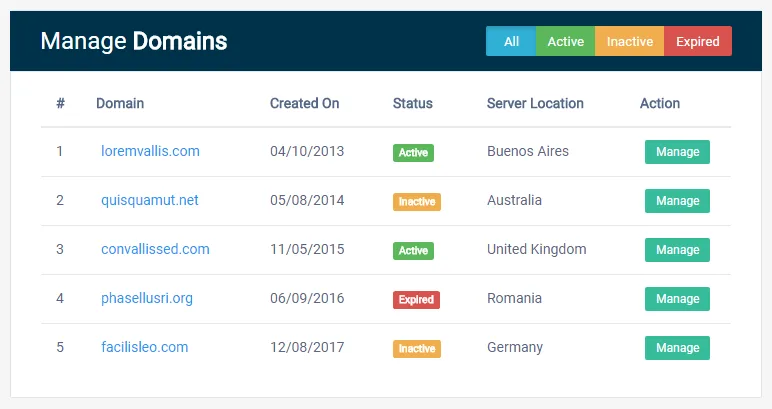
You can have all of this online, exactly the way you imagine it. Clients can be sorted (or will sort themselves automatically by rules you define) into different databases, for example by status (potential, current, past) or by any criterion you choose. We set up the client overview so that the basic information you work with most often is visible straight away and you can filter clients by the most important criteria.
The client detail is tailored too: you see only what you need most, or we split the view into several sub-sections. Simply put, you have everything the way you want it and no longer have to compromise.

Visual status and client order
Every client status, invoice status (or any value that can change for a client) is highlighted visually, so the data is easier, clearer and therefore faster to read. Do you want clients with an unpaid, overdue invoice shown in red? No problem.
In every client database you decide how clients are ordered: alphabetically, by registration date, by cancellation date, by purchase volume, or in whatever order you set yourself. We don't like repeating ourselves, but really everything is possible.
Data import and export
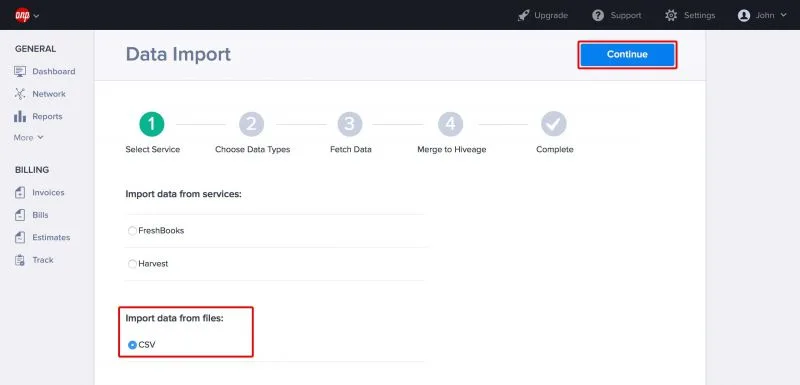
If you need to add specific data to clients (for example insurance policy numbers, seat numbers, numbers and dates of work permits), we add a bulk import to your system. You simply upload an Excel file and the data is matched to the right clients by the chosen identifier (by default first name, surname and e-mail). This step can also be combined with an automatic e-mail sent only to the clients whose data you have just uploaded.
If, on the other hand, you need to export any data from the system, we add an export in the structure that suits you (PDF, CSV or Excel by default, but we can build other formats to your requirements).
The export is tailored exactly to your needs. For example, we can prepare an export for the Slovak Post electronic posting sheets (ePodací hárok), so you don't have to retype client names and addresses for bulk mailings. For more information see here.